
Unify your marketplace operations with M2E Multichannel Connect

Magento Integration for Amazon, eBay and Walmart
Multichannel Connect by M2E Pro is a marketplace extension for
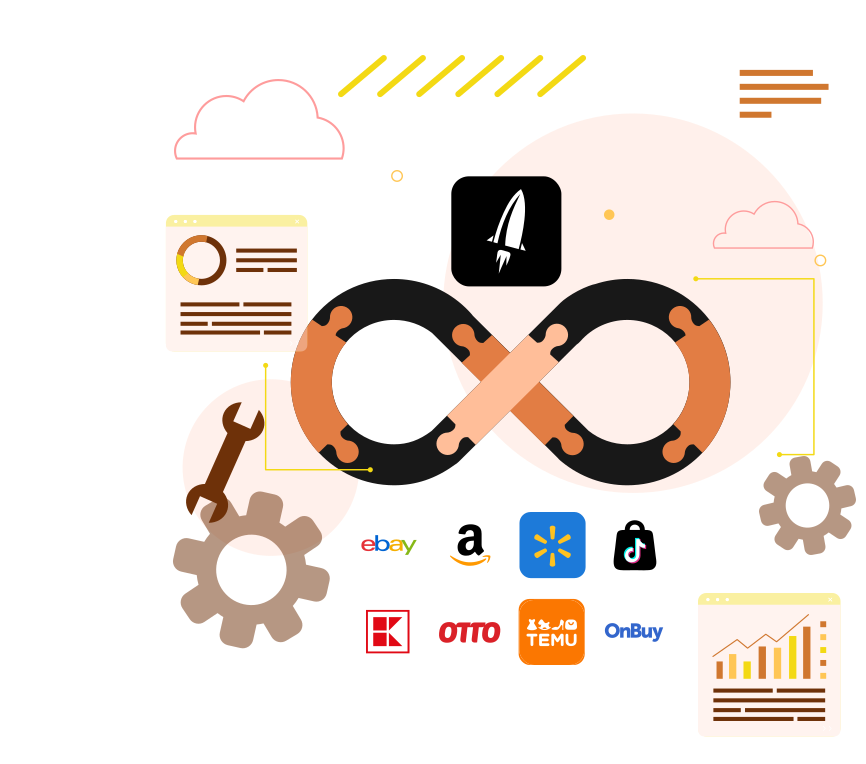
Magento 2 that unites all integrations into one solution. Manage eBay, Amazon, Walmart, TikTok Shop, Kaufland, Otto, OnBuy, and other channels from a single interface of your Magento (Adobe Commerce) system.

Gather all your marketplaces in one place

    With M2E Multichannel Connect, managing multiple marketplace integrations has never been easier. Instead of handling separate extensions, you get a unified, centralized solution right inside Magento, so you focus on growth without operational complexity.

Unlock new sales channels

    Designed for multichannel retailers, this solution helps identify new opportunities and optimize existing marketplace strategies. Explore key benefits of available channels, compare features, and take the next step toward scaling your business with confidence.

Get smart access to key resources

    Navigate with ease using a familiar and intuitive M2E integration menu. Instantly access essential resources, including help documentation, support channels, and installation options, so you always have the guidance and tools to try out the new integrations.

Discover your selling potential

    M2E Multichannel Connect is designed for growth-driven sellers who want efficiency, flexibility, and full control over their multichannel strategy. Whether you’re expanding to new marketplaces or optimizing existing operations, this solution makes selling smarter and more profitable.
M2E Multichannel Connect is designed for growth-driven multichannel retailers who want efficiency, flexibility, and full control over their selling strategy.

FAQs

Why should I connect this extension if I already use M2E Pro or M2E Connect?

M2E Multichannel Connect streamlines your marketplace management by uniting all M2E integrations in one centralized place. Instead of opening multiple extensions, you will get a single, organized hub for managing eBay, Amazon, Walmart, TikTok Shop, Kaufland, Otto, OnBuy, and other channels. This solution simplifies navigation and makes it easier to scale your business across multiple marketplaces.

How do I install and activate M2E Multichannel Connect?

Go to the Adobe Commerce Marketplace, find M2E Multichannel Connect, and install it via your Magento admin panel. Once installed, navigate to the Multi-Channel section to view all available integrations. The existing M2E integrations will appear automatically, and uninstalled ones will include setup instructions. Select an integration to activate it and follow the provided links for installation and support.

Discover our integrations to boost your business

User reviews

The best Marketplace Integrator! Highly Recommend

Was a previous customer of M2E many years ago, and only moved away due to Adobe Commerce including an Amazon Integration. However, Adobe Commerce has now discontinued all inhouse integrators, and my first place to go was back to M2EPro. WoW! M2EPro is light years ahead of what I remember, and you can’t beat the price! A great company, a great product and a great partner for your business! Highly Recommended!
4,8
M2E Pro review
Average rating of our users in the Magento marketplace
Check out